
EDM news
5 Best Suno to Video Tools for Finished Videos


5 best Suno to video tools for turning AI-generated tracks into finished music videos for YouTube, TikTok and social media.
Suno will write you a song in about a minute, and it will hand you a video too, tracks downloaded as MP3, WAV or video. What that video gives you is your cover art sitting in front of the audio. Suno is candid about where the line falls: its Hooks tool, the company says, “isn’t meant to create scenes from prompts or build entire edits for you,” and it works by pairing songs with clips you already own.
That gap is what this guide covers. We tested five tools that take a finished Suno track, or any WAV, and build visuals that actually move with it. Two are push-button; three hand you the controls. Expect short, jargon-free copy focused on quality, speed, cost, and rights.
Push-Button Suno to Video Tools
1. Neural Frames: From Track Drop to Finished Cut in Minutes
Upload your song, sip your coffee, and watch a storyboard bloom. Neural Frames listens to every drum hit, vocal phrase, and tempo shift, then builds a multi-scene video that lands each cut on the beat. For the full playbook, the published Suno to video workflow walks through exporting a Suno track, auto-detecting its BPM and song sections inside Neural Frames, and rendering vertical, square, and widescreen cuts in a single pass.
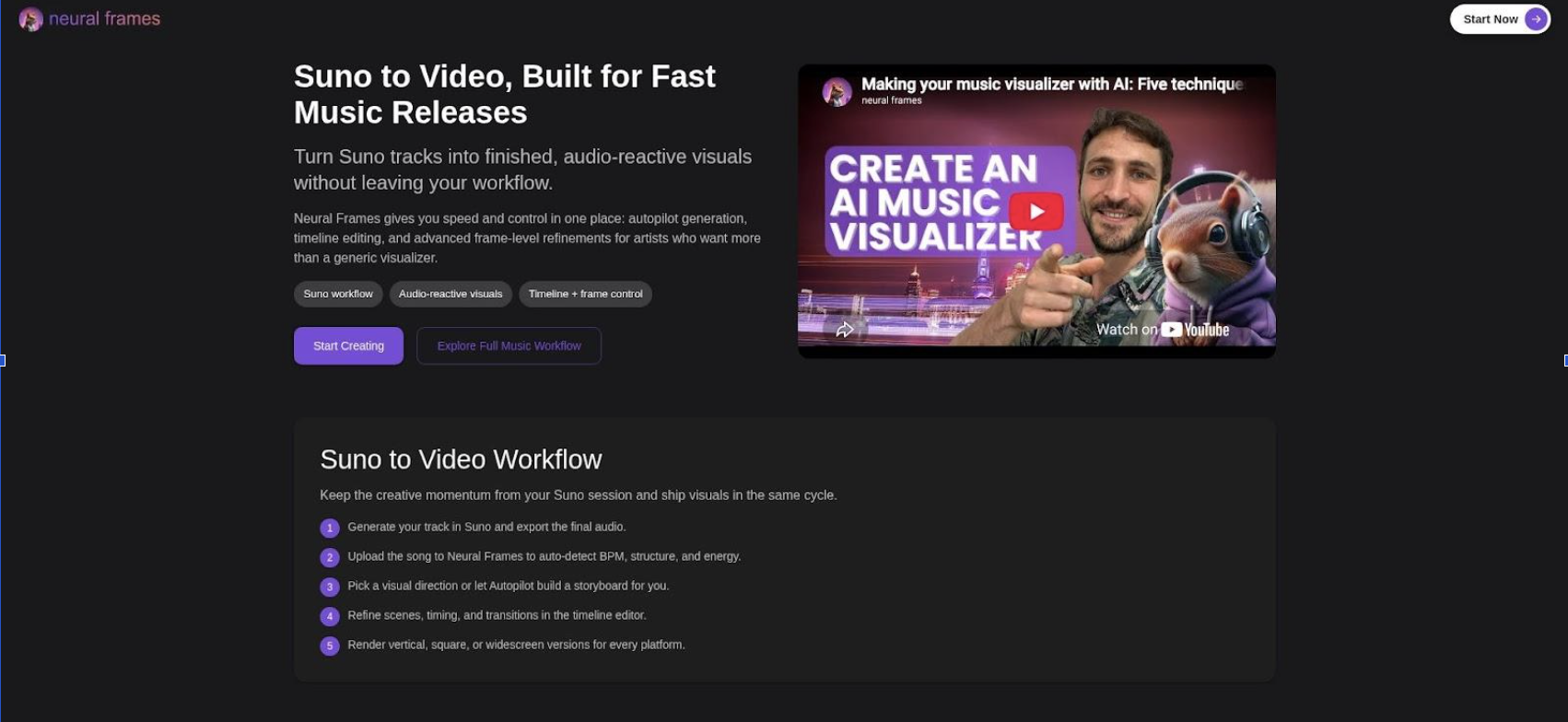
Neural Frames Suno-to-video Autopilot storyboard interface screenshot
The platform splits your track into eight stems — drums, bass, vocals, melody and more — and maps each one to its own visual control. Kicks can drive a zoom while vocal peaks shift hue. That per-stem control is what makes the render feel hand-edited rather than pasted over the audio.
You stay in charge. Swap a scene, nudge a prompt, or reroll a single shot without burning credits on a full render. The Autopilot view creates keyframes for every scene, so you pay only for frames you keep.
Quality rises with ambition. Neural Knight delivers crisp 1080p, while higher tiers add smart upscaling to 4K. Multiple art models — Kling, Seedance, Runway and Stable Diffusion — help you match visuals to genre inside one dashboard. Finished videos export in every social ratio, so one render covers YouTube, Shorts, Reels and TikTok.
Pricing sits between hobby tools and pro suites. Neural Knight is $39 a month, or $26 billed annually, and includes 2,400 credits; Neural Ninja runs $99 a month ($66 annually) for 7,200 credits. There is no free plan, but paid tiers export without a watermark and carry commercial rights.
Who benefits? Indie artists who value speed, DJs prepping festival screens, and agencies needing quick Spotify Canvas loops — all can drop in a Suno track, let the engine find the groove, and post before the algorithm’s next refresh.
2. Rotor Videos: Broadcast-Ready Edits Without the AI Quirks
Sometimes abstract AI visuals feel off-brand. Maybe your audience expects real crowds, gritty cityscapes, or sweeping drone shots. Rotor meets that need with an automated editor powered by a stock library broad enough to cover every mood from shoegaze melancholy to reggaeton party.
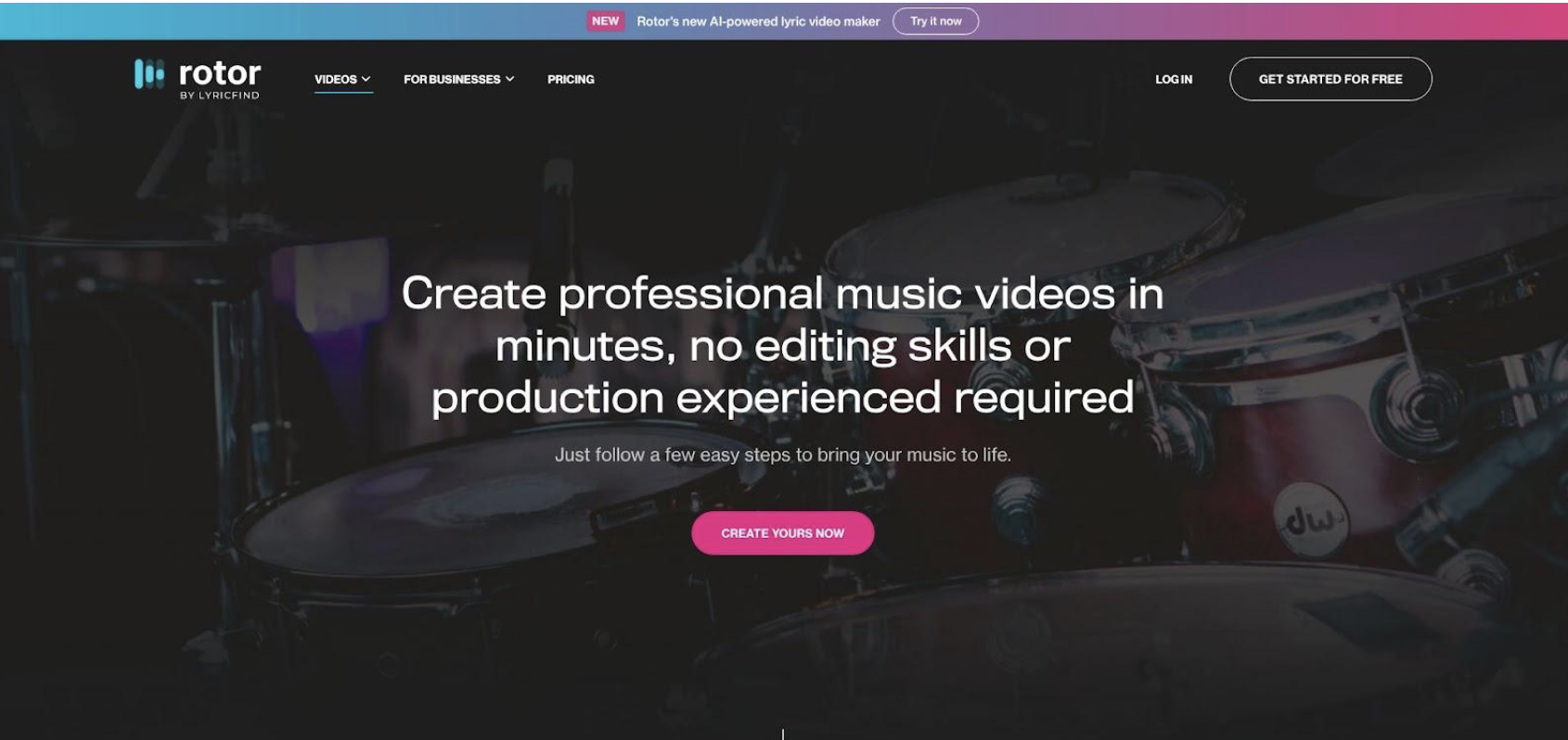
Rotor Videos automated stock-footage music video editor interface screenshot
The workflow is brisk. Upload your song, choose a style template, and Rotor analyses tempo, energy and song structure. It then assembles licensed clips, cutting faster when the drums hit hard and lingering on wide shots during a breakdown. Preview in low-res, swap any clip that feels off, and export in up to 1080p.
No AI artifacts, no continuity headaches. Because each frame is real footage, faces stay human and colours stay consistent across cuts. That realism makes Rotor the safe pick for labels wary of uncanny animation or platforms that scrutinise AI disclosure.
Pricing is pay-as-you-post. Drafts are free, and a watermark-free HD download costs about the price of two lattes. Every exported frame is licensed for commercial use with no hidden stock fees.
Creative Sandboxes for Stylized Control
3. Kaiber: Direct the Look, Feel and Rhythm
Kaiber hands you a blank canvas and a set of AI brushes. Drop your track into Beat Sync, pick an energy level, and watch rough cuts appear that already hit each snare and downbeat.
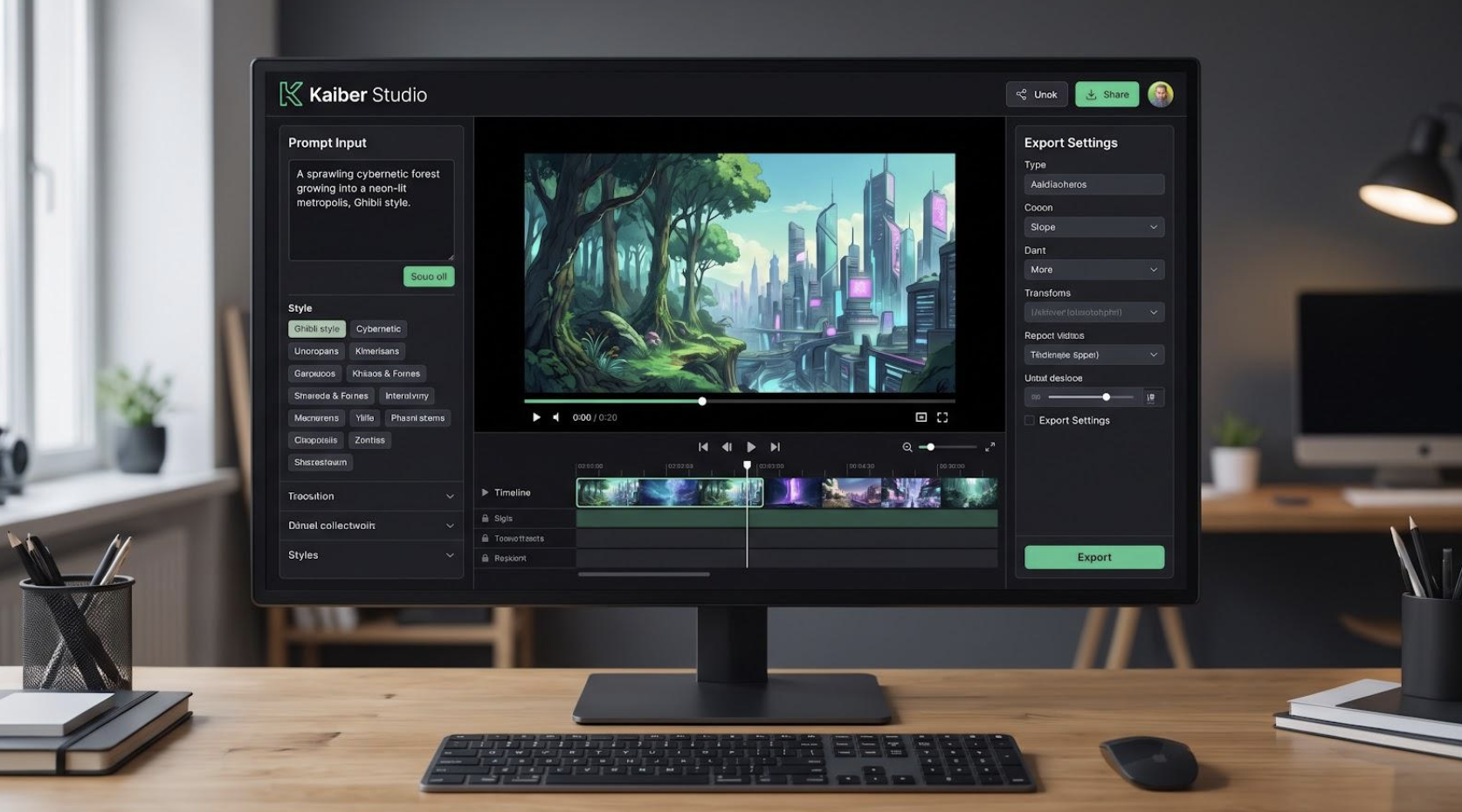
Kaiber Superstudio node-based AI video editor interface screenshot
Then the fun begins. Open Superstudio, Kaiber’s node-based playground, to swap art models, blend live footage with animation, or restyle a scene until it fits the mood in your head. Want an 80s-anime bridge that melts into watercolour during the solo? Link two nodes, tweak their prompts, and preview at once. Feed Kaiber a reference image of your lead character and reuse it across scenes so style never drifts.
Base renders land at 1080p; a built-in upscale lifts hero sequences to 4K. A $5 trial buys five productive days, and the $29 Standard plan covers most monthly release cycles if you keep drafts lean. Every preview spends credits, so sketch shots on paper before hitting generate.
Kaiber suits artists who treat visuals as an extension of songwriting — art-directing each frame while still automating animation, rendering and beat alignment.
4. Pika Labs: Cinematic Snippets That Steal the Spotlight
Pika approaches video like a director with a short attention span. Each prompt becomes a 10- to 25-second scene packed with crisp motion, vivid lighting, and faces that stay consistent frame after frame. Many viewers assume the clips are real camera work until they read the caption.
Scenes chain together with a storyteller’s rhythm. Break your song into verses and choruses, write a one-line prompt for each, and feed them into PikaScenes. The platform transitions shots automatically, so a neon alley can fade into a pastel beach without visual whiplash. Need a perfect loop for a drop? Tick Pikaffects and select the loop option.
Control sits halfway between Kaiber’s node maze and full autopilot. You decide length, camera angle and art style, while Pika handles animation and interpolation. Image prompts lock character design; style modifiers add grain, haze or slow-mo with no keyframes.
Eighty monthly credits on the free tier let you prototype, while the $35 Pro plan delivers thousands. Use Pika for hook moments, lyric teasers and social trailers — the shots viewers replay — then pair them with steadier tools for the verses.
5. Runway ML: Frame-Level Finesse for Filmmakers at Heart
Runway feels less like a generator and more like a cloud studio. Open a Gen-2 panel, type “rain-soaked cyberpunk rooftop, steady drone shot,” and seconds later a photoreal clip lands on your timeline. Drag it, trim a bar, and snap it to the snare hit; Runway treats AI footage like traditional video, so every beat match sits under your cursor.
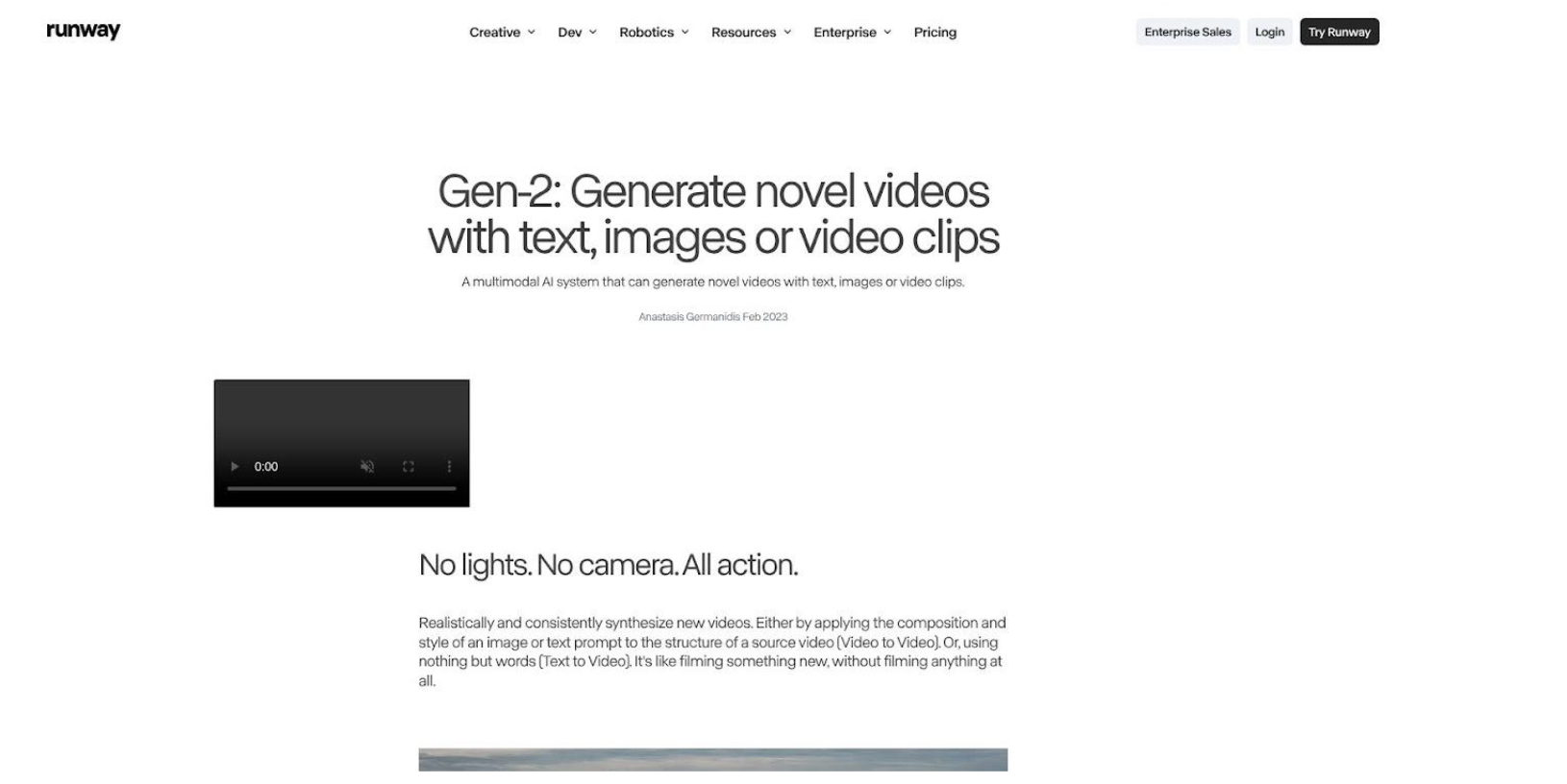
Runway ML Gen-2 AI video generation and editing interface screenshot
Generation is only half the story. Magic Tools let you pull a microphone stand from the background, mask the singer, or repaint a jacket with brush-size precision. Need lyric text floating behind the vocalist? Key it once and Runway propagates the mask across the shot.
Realism is the standout advantage. Gen-2 and the newer Gen-3 models capture lens flares, depth of field and subtle facial micro-expressions. Export up to 4K on the Pro tier or stay at HD on the $12 plan; either way, codecs slide straight into DaVinci or Final Cut for the final grade.
Credit logic favours planners. Each generated second costs a point; edits are free. Storyboard first, then generate only what you will keep.
A Suno track is only half a release. For the fastest route from WAV to watchable, start with Neural Frames and let Autopilot take the first pass. If your audience expects real footage rather than generated scenes, Rotor gives you the safer look. And when one hero shot matters more than the whole runtime, Kaiber, Pika or Runway will get you there — just budget the credits before you start generating.


